The RX 7000-series cards weigh more heavily on RX 7000-series cards. The RX 7900 XTX and RX 7900 XT would generally land close to the RX 9070 XT, but here they fall below even the RX 9070. The RX 7800 XT also performs more in line with the RX 9060 XT than the RX 9070 GRE here. That’s the price you pay for the superior image quality of FSR 4 on GPUs that lack the matrix math accelerators needed to run the model at its best. The TL;DR for those seeking a 60 FPS average at the 1080p Ultra preset is that among current-gen cards, you’ll want an RTX 5060 at the bare minimum and preferably an RX 9060 XT or RTX 5060 Ti (at least if you were lucky enough to get one before prices for those products shot through the roof). The RX 9070 GRE and RTX 5070 provide a solid higher-refresh-rate experience, while the RX 9070, RX 9070 XT, and RTX 5070 Ti all clear the 90 FPS mark. If you want a native 60 FPS-ish average at 2560×1440 Ultra, you need an RX 9070 GRE or RTX 5070 at minimum, and you really want an RX 9070, RX 9070 XT, or RTX 5070 Ti. But given the broad availability of high-quality upscaling and frame generation options in this game, it’s worth grabbing FrameView (for all vendors) or pulling up the Nvidia Overlay and seeing whether your baseline PC latency is low enough with Quality upscaling (say) to consider adding framegen to the mix on compatible cards. Gears features Nvidia Reflex and responds well to AMD’s Radeon Anti-Lag feature in the driver, so it’s a great candidate for frame generation. And that’s good news indeed, because at a native 4K Ultra, Gears simply can’t run at a 60 FPS average on anything short of the RTX 5090. The RTX 4090 comes close, but even it could really use a dose of DLSS upscaling and (optionally) frame generation to provide a fluid experience. Lesser hardware will require some personal dialing-in of upscaling and frame generation settings to arrive at the ideal balance between a smooth experience and solid image quality.
The RTX 3060 remains the most popular graphics card on Steam. We’ve already seen that it isn’t well suited to running Gears at native resolution with Ultra settings, so we used it to test performance scaling across all of the game’s available presets, both with and without upscaling, to see what a large group of gamers needs to do to achieve a good experience. (Image credit: Future)
At native resolution, not even the Low preset can get the RTX 3060 over the 60 FPS hump. We wouldn’t recommend using Low alone to boost performance for the reasons outlined in the image quality analysis earlier in this review. You’re giving up a lot of image quality for no good reason when upscaling is available. You can also see why the maxed-out Ludicrous preset isn’t realistic for most cards, as it cuts performance roughly in half versus Ultra. If you’re going that route on most GPUs, you will certainly need a dose of upscaling and frame generation, and since the build of Gears we used doesn’t expose cross-platform framegen options, you’re stuck in the mud on the 3060. (You can’t mod in framegen using Optiscaler without risking a ban, either, as Gears uses Easy Anti-Cheat.) (Image credit: Future)
Dialing in DLSS Quality at 1080p affords more freedom for balancing image quality and performance on the RTX 3060. Medium settings plus DLSS Quality gets us over a 60 FPS average with reasonable 1% lows, and we know from our earlier analysis that Medium looks quite a bit better than Low, so this is a fine place to be. If you’re willing to tolerate the potential for larger performance drops, you can even shift up to High, but 1% low frame rates take a big hit, and more demanding scenes might chug a little. We’d stick with Medium for the best all-around experience, but you can choose your own adventure.
Dialing in more aggressive upscaling settings at 1080p to boost performance on the 3060 isn’t a great idea, as residual RT noise is already creeping into parts of the scene with DLSS Quality. We’d really love to have DLSS Ray Reconstruction at our disposal here, given the extensive RT effects and poor apparent image quality of Gears’ internal densoiser. One can only hope that such an update is coming later.
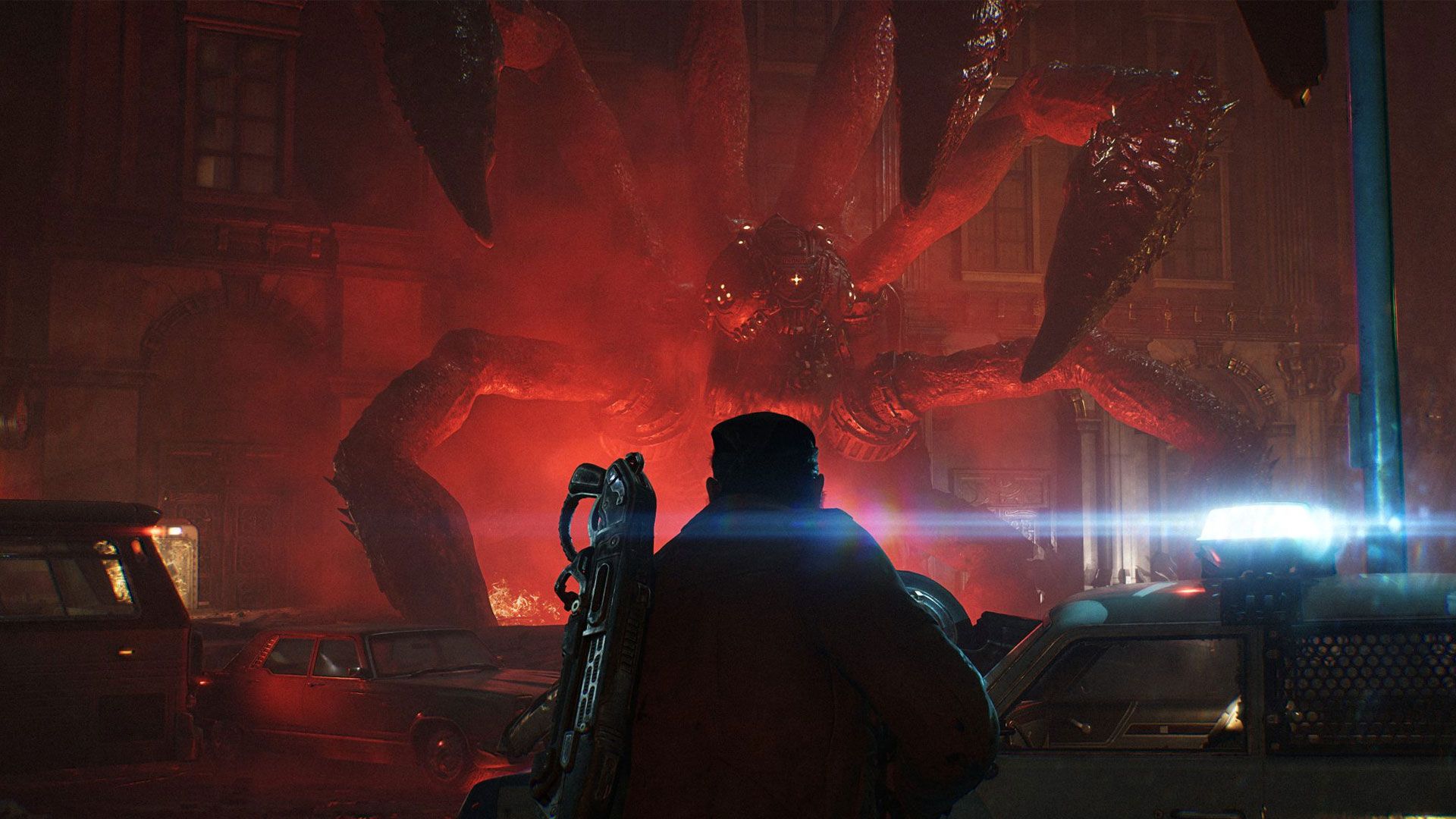
Bottom line Gears of War: E-Day is an incredible technical showcase for the PC. As the debut title for Unreal Engine 5’s MegaLights feature, it uses light to gorgeous, often cinematic effect. The dynamic lighting and shadows in this game feel distinctly next-gen. If you obsess over the artistic qualities and usage of light like I do, you will frequently be wowed by the variety and intensity of effects on display. And the assets that those lights fall on mostly look like a million bucks. In short: this game is a feast for the eyes. In exchange for its jaw-dropping lighting and detail, E-Day requires a strong CPU for the best performance in addition to a powerful graphics card. Check out our full CPU performance analysis for more details.
Given its demands, Gears may have some gamers with older hardware contemplating an upgrade. At a native 1920×1080 Ultra, the ever-popular RTX 3060 falls well short of a 60 FPS average, and anything less powerful than a Radeon RX 7700 XT or RX 6800 XT is also way off that pace. In our supplementary tests, we found that the RTX 3060 needs 1080p Medium settings and DLSS Quality to clear the 60 FPS bar. But Gears still looks decent at Medium, so you’re not giving up too much eye candy in the bargain. For a native-res 1080p Ultra and 60 FPS-ish experience, you want an RTX 5060 at a minimum, or a Radeon RX 9060 XT for a considerably smoother ride. For higher-refresh-rate displays at 1080p, the RX 9070 GRE comes out as a bang-for-the-buck champion, shadowing the RTX 5070 for roughly $300 less at current pricing. And if you want even higher performance, the RX 9070 hits the 90 FPS mark on average for not that much more cash.
At 2560×1440 Ultra, an RTX 5070 or RX 9070 GRE both fall just short of a 60 FPS average, so upscaling or frame generation (or both) may be required to get over the hump. But you really want an RTX 5070 Ti or an RX 9070 XT for the best experience. Native 4K Ultra requires the RTX 5090 or DLSS/FSR upscaling/frame generation for playable frame rates. The RTX 4090 comes close but still benefits from upscaling. Lesser hardware will require personal tuning of settings to balance performance and image quality.
Final Notes The RTX 3060’s struggles with native resolution settings highlight the importance of upscaling technologies like DLSS and FSR. However, the game’s demanding visuals also push the limits of even high-end hardware, emphasizing the need for powerful GPUs and optimized settings in modern AAA titles.